
Augmented reality
See it in
your space
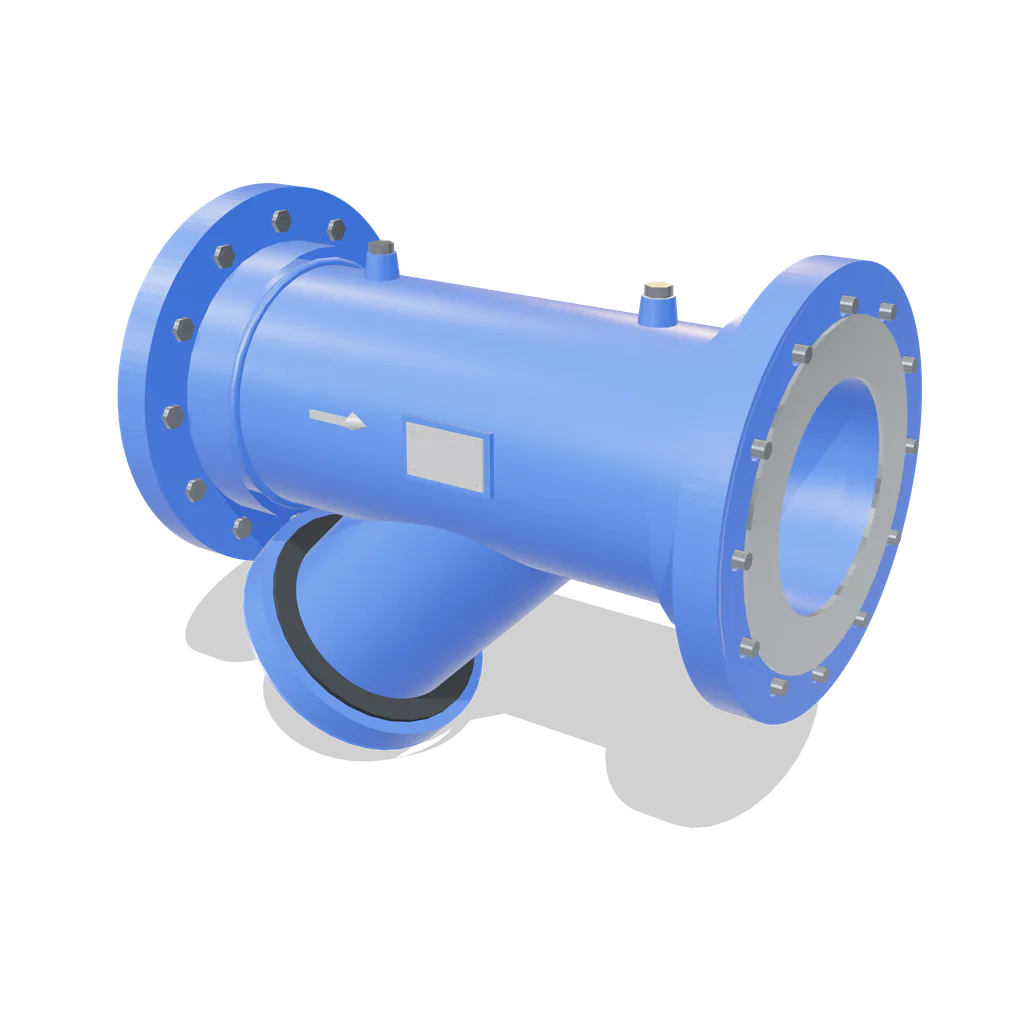
Open this page on a phone and tap See it at full size. A 10 inch Y-type strainer appears on the floor in front of you at its real size. You can walk around it. Tap the labels to read the parts. There is nothing to install.
Loading the model
Tap a label on the model. The screen is inside the leg; turn on See inside to look at it.
- 1 Process in Process flow enters the inlet. 10 inch (250 NB), Class 150.
- 2 Solids held Perforated screen with 40 Mesh linings are standard.
- 3 Clean out Clean flow leaves the outlet. 10 inch (250 NB), Class 150.
- 4 Blow-off Drain connections are standard and are furnished with plug.
True size, 691 x 583 x 405 mm. Representative geometry, not a CAD drawing.
On iPhone, open this page in Safari for augmented reality. It does not work inside the LinkedIn or WhatsApp browser.
This page, in Chrome on Android or Safari on iPhone.
Your camera opens and asks for permission once.
Move the phone slowly until the surface is found, then place it.
Want it in your own drawing?
The model above is our own geometry at true size, not a CAD export. Send us the duty and we will send the real drawing and the data sheet.
